List of AI Models 2026: 10 Options by Use Case
Browse this practical list of AI models by modality, capability, and use case, with 10 catalogs compared on pricing, access, and best-fit workloads.
Say your team spends a week reading model pages, comparing token prices, and wiring up a prototype. Then someone uploads a representative document and discovers that the cheapest candidate can't fit the document, instructions, and expected response into its context window. The integration works. The model choice doesn't.
A model catalog is not the same as a model choice. Some catalogs help you discover downloadable weights. Others compare measured performance, sell hosted inference, connect models to cloud procurement, or package models for local execution. Treating them as interchangeable wastes time and can hide the constraint that determines whether your application works.
A useful list of AI models should tell you where to start for a particular job:
- Discover and customize models: Use a directory with model cards, files, and licensing information.
- Compare production candidates: Use independent measurements, then test your own workload.
- Call hosted models: Use an API catalog with explicit model identifiers and deployment details.
- Run offline: Use a local runtime catalog and verify hardware requirements.
For text applications, context length and tool support might eliminate candidates immediately. For image, video, and audio applications, supported inputs, output controls, and asynchronous task handling deserve equal attention. The options below serve different purposes, so the right starting point depends less on which catalog looks largest and more on what you need to do next.
Table of Contents
- 1. UberLLM AI model catalog
- 2. OpenRouter
- 3. Hugging Face Hub
- 4. Artificial Analysis
- 5. Replicate Explore
- 6. Microsoft Foundry Models
- 7. Amazon Bedrock model catalog
- 8. Google Cloud Model Garden
- 9. Ollama Library
- 10. Google Gemini API model list
- How the 10 Model Catalogs Differ by Access, Pricing Visibility, and Limits
- Turning a Shortlist Into a Working Integration
1. UberLLM AI model catalog
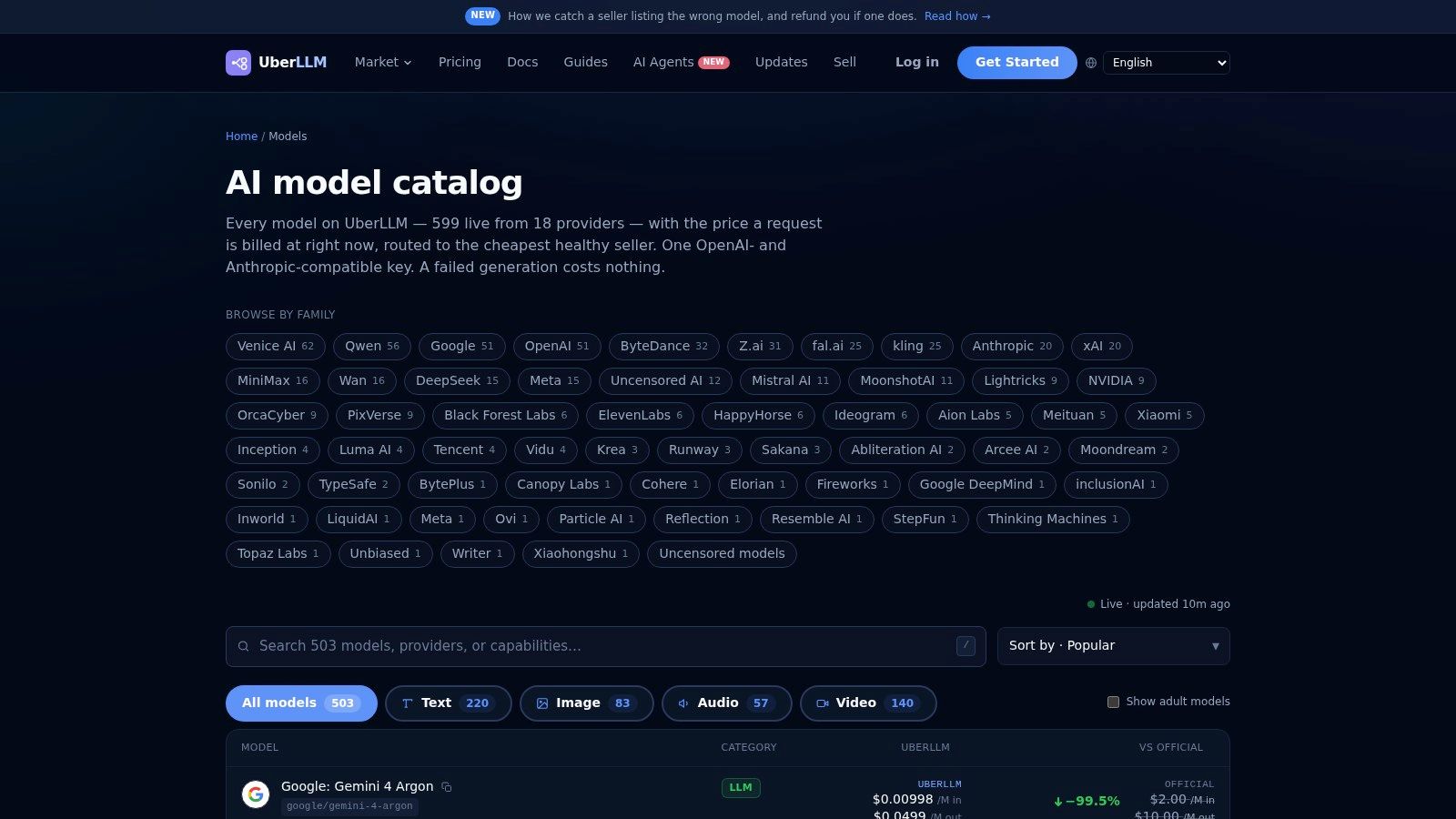
Best for comparing hosted options before integrating a marketplace API. The UberLLM AI model catalog brings 457 models into a comparison page with live pricing, provider names, context lengths, and model types. It's useful when your shortlist spans text and media rather than a single model family.
At UberLLM, we connect that discovery process to an OpenAI- and Anthropic-compatible endpoint. Developers select a model identifier, while marketplace routing selects an available seller for the requested model. That distinction matters: you're choosing both a model's capabilities and a hosted access path.
What to inspect before choosing
For document processing, compare context length and maximum output tokens separately. A model that accepts your source material might still have an output limit that prevents it from generating the complete result. Our model metadata exposes both fields, and the catalog marks models that support tools.
- Strength: Live prices and provider names make cross-provider shortlisting less fragmented.
- Useful workflow: Filter by modality, inspect limits, then compare representative outputs in the playground.
- Limitation: A listing can't establish whether your extraction schema, coding task, or visual brief will succeed.
Don't treat the lowest displayed price as the final answer. For text, estimate the input and output mix your application produces; for media, inspect the requested generation configuration before comparing costs.
Practical rule: Choose a model only after its limits, output quality, and failure behavior satisfy the workload. A cheap request that produces an unusable result isn't a useful saving.
Prices and availability can change, so record the identifier and configuration used in testing rather than leaving your shortlist as a collection of model names.
2. OpenRouter
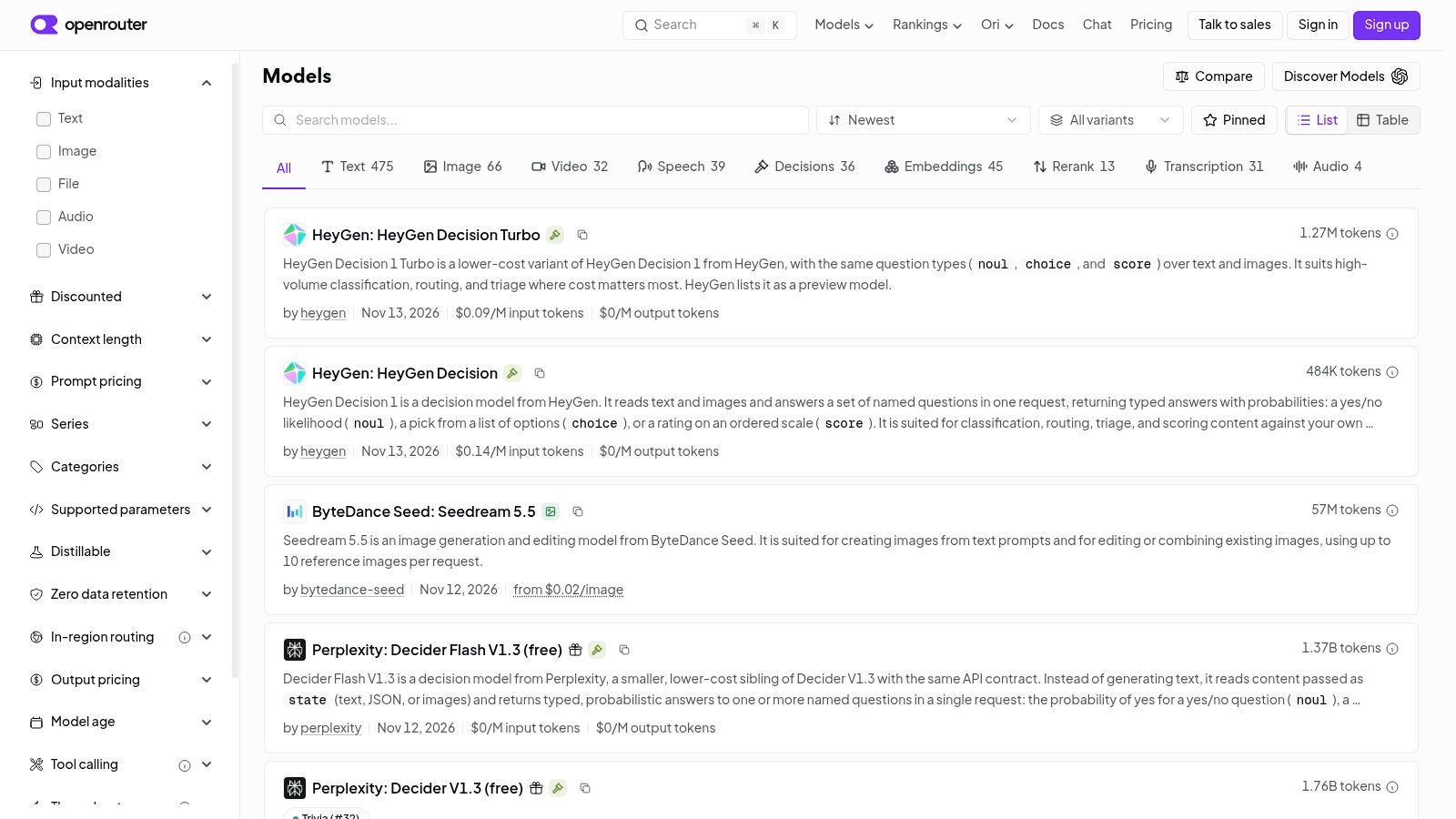
If your immediate task is to try hosted models without building separate provider integrations, OpenRouter's model catalog is a practical starting point. It combines searchable model specifications with access through a common API.
The useful comparison fields include pricing, context length, modalities, and capabilities. These help distinguish models that merely accept text from candidates that support the additional inputs or behaviors your application requires. Check the individual model page rather than assuming that every model exposed through the same interface accepts the same request.
Where it fits
OpenRouter suits a developer comparing hosted candidates inside an existing application. You can keep the surrounding evaluation harness stable while changing the selected model, although supported parameters and output behavior still need validation.
- What works: Moving from discovery to API experimentation without arranging every provider integration separately.
- What doesn't: Treating the catalog as a repository where every listed model's weights can be downloaded.
- What to verify: Current availability, model-specific pricing, context limits, and required capabilities.
For a coding agent, test tool-call arguments and recovery after a failed tool execution, not just the quality of a standalone code answer. A common API doesn't make agent behavior interchangeable.
The comparison of OpenRouter alternatives is useful when evaluating different access services. Keep that decision separate from model selection: the model and the service hosting it introduce different operational trade-offs.
3. Hugging Face Hub
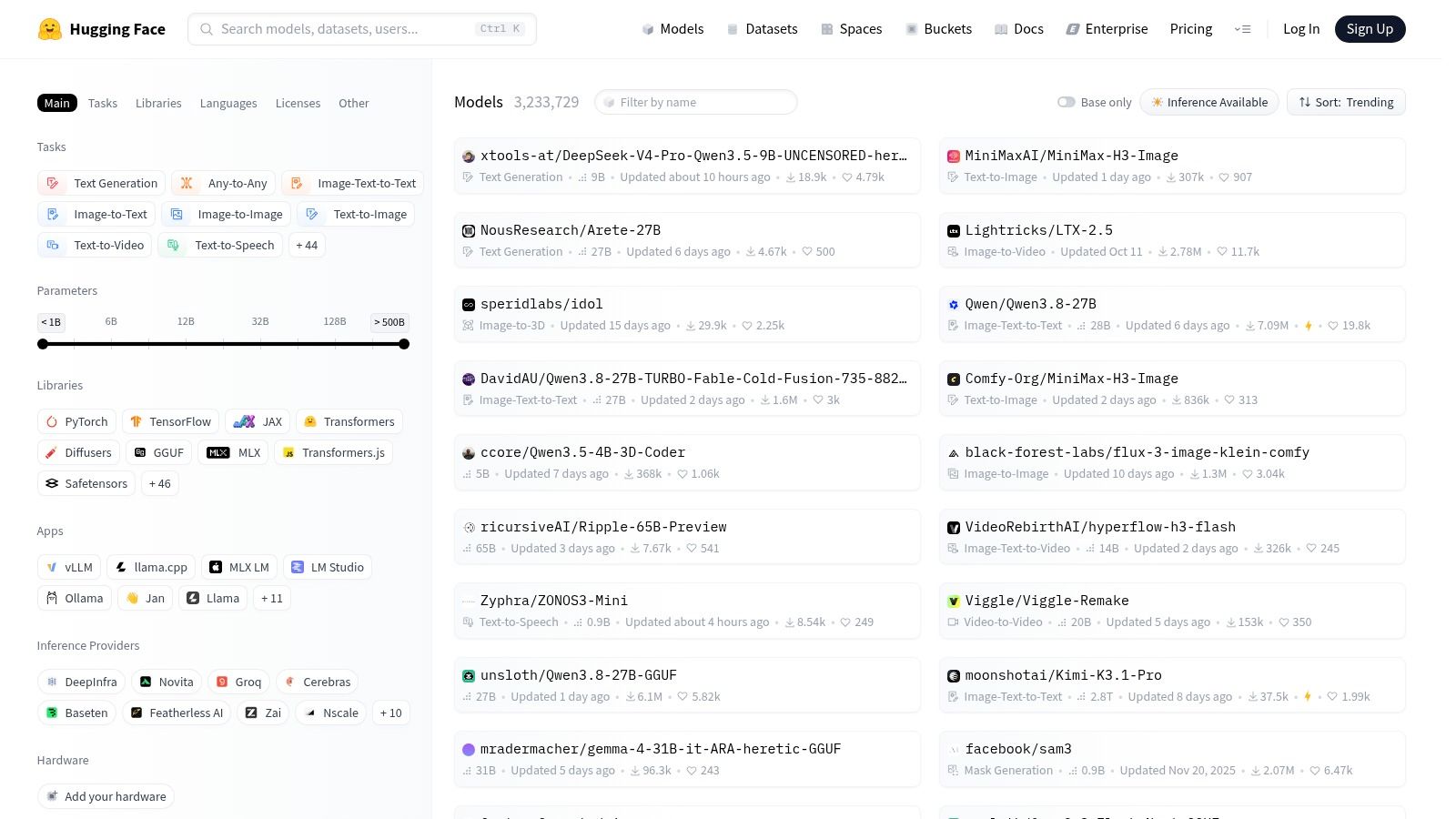
Start with Hugging Face when you need weights, not just an endpoint. The Hugging Face Hub is particularly useful for finding models you might customize, inspect, or deploy yourself.
Its model pages can combine model cards, downloadable files, implementation examples, and license details. That makes it a different kind of resource from a hosted API menu: you're investigating the artifact and its requirements, not merely deciding which identifier to send in a request.
Read beyond the model name
Check the task, architecture, supported inference framework, and license before downloading. Then inspect whether the examples match your intended use, especially for fine-tuned models with specialized prompt templates.
- Strength: Broad discovery across text, vision, image, and audio tasks.
- Trade-off: Documentation and evaluation quality depend on the publisher.
- Deployment constraint: A downloadable model isn't automatically available as a managed API.
For example, a document-processing team might find a promising vision-language model but still need to assemble preprocessing, inference, and output validation. The repository helps establish what's available; it doesn't remove deployment work.
Open weights also don't mean unrestricted use. Read the actual license and associated conditions rather than inferring permissions from the download button.
Use Hugging Face for research and customization when access to the underlying files matters. If you only need to compare hosted responses this afternoon, an API catalog may get you to a meaningful test faster.
4. Artificial Analysis
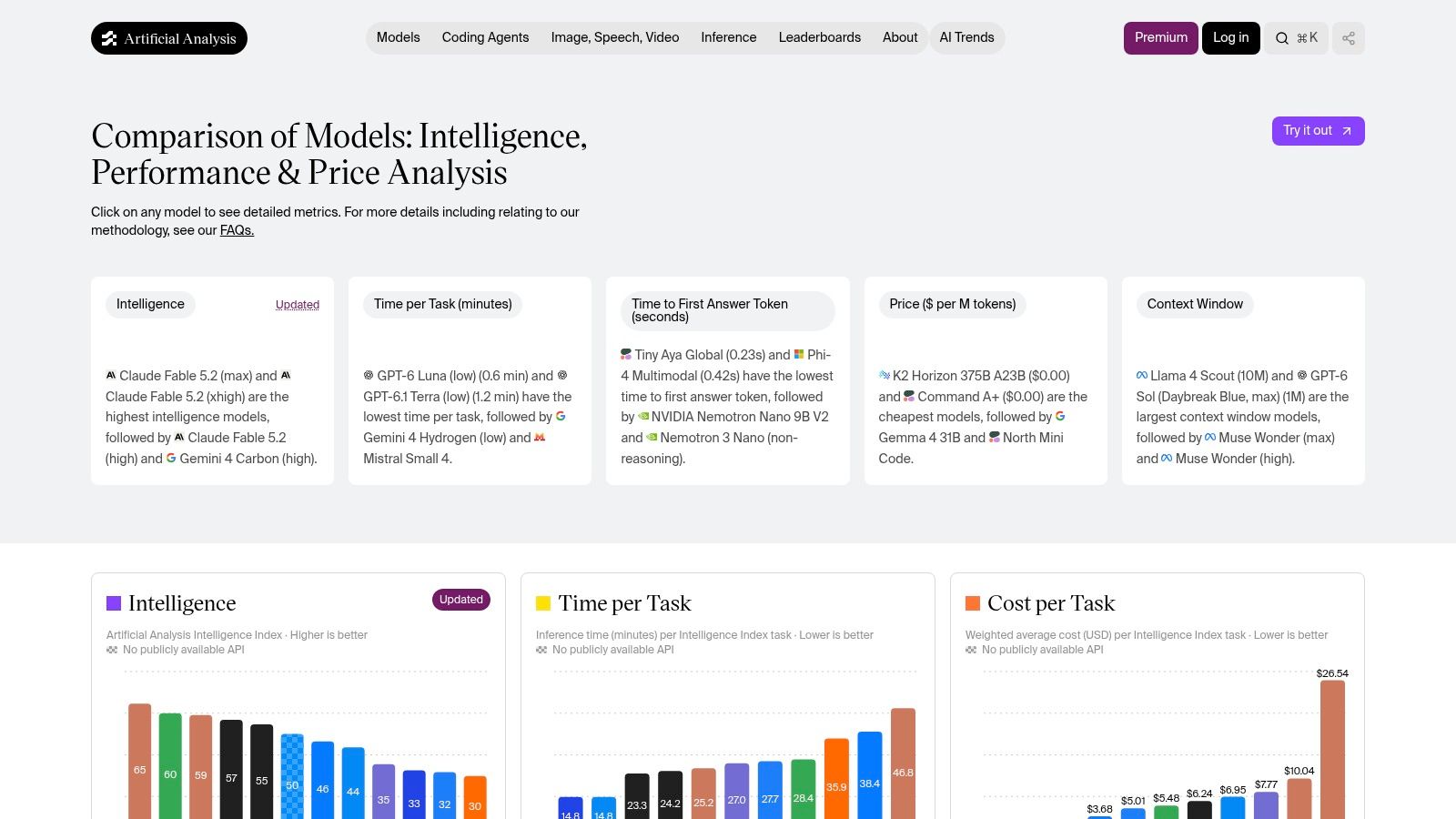
The difficult question isn't which model has the lowest advertised token price. It's which candidate meets your quality requirement at an acceptable total cost and completion time.
Artificial Analysis compares models using measures including intelligence, price, time per task, latency to the first answer token, and context-window size. Its cost-per-task approach is more useful for shortlisting than reading token prices in isolation because it connects charges to a workload.
Compare the metric your users experience
For an interactive assistant, time to the first token matters, but it doesn't replace end-to-end completion time. For a background extraction job, validated completion and total expense may matter more than the speed at which text first appears.
- Use it for: Identifying capability, cost, and speed trade-offs before application testing.
- Don't use it for: Assuming a benchmark leader will win on your prompts or language.
- Access caveat: Some datasets or features may require an account or paid access.
Compare cost per successful task, not just cost per request. Include retries and rejected outputs in your own evaluation.
The LLM price index provides another pricing reference when assembling a shortlist. Keep the workload assumptions visible when comparing any index.
Artificial Analysis isn't the place to download every model or deploy your application. Its job is to improve the shortlist, leaving your own harness to determine whether those candidates meet production requirements.
5. Replicate Explore
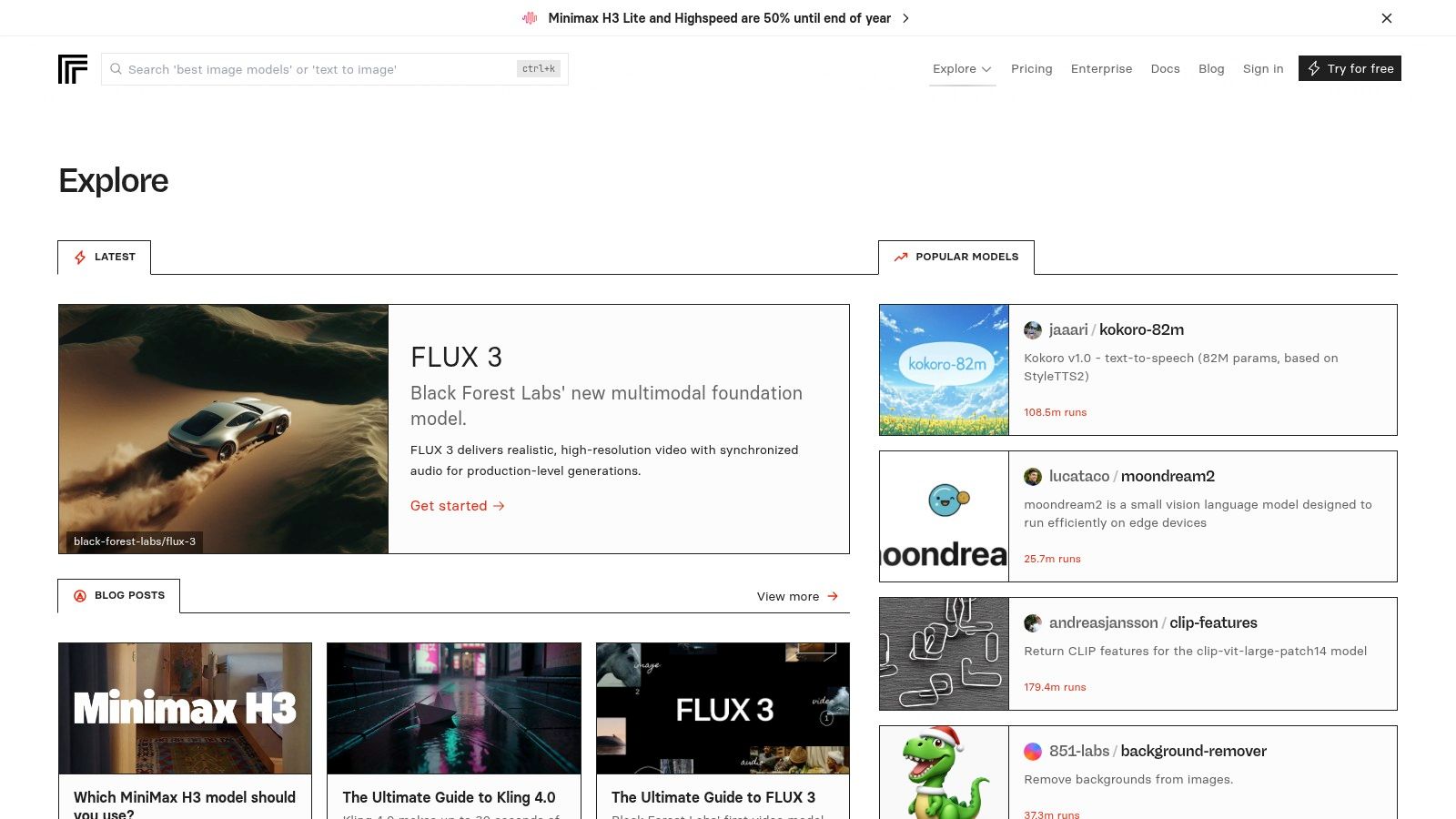
Testing a video model requires more than reading a language-model leaderboard. You need to inspect accepted inputs, output examples, generation controls, and how the application retrieves a completed result.
Replicate Explore is useful for this hands-on discovery, particularly across image, video, and audio generation. Model pages can provide examples, input definitions, usage instructions, and pricing alongside a hosted execution path.
Test with your own source material
For image-to-video, use an image representative of your application, not just the model's polished examples. Check subject consistency, motion, composition, and whether the output respects the brief. For speech, test names, punctuation, and the languages your users submit.
- Strength: You can experiment without first setting up local inference.
- Flexibility: Custom deployments can use Cog, Replicate's packaging tool.
- Limitation: Community-published models can differ in maintenance, documentation, and support.
Inspect whether a listing is official and actively maintained before building around it. Also read the billing unit carefully, since model pricing may depend on runtime or generated output rather than a text-style token calculation.
Replicate is a strong choice when you need to see whether a generative model can produce acceptable media. It's less useful as a single normalized ranking across unrelated modalities: a speech model and a video model need different acceptance criteria.
6. Microsoft Foundry Models
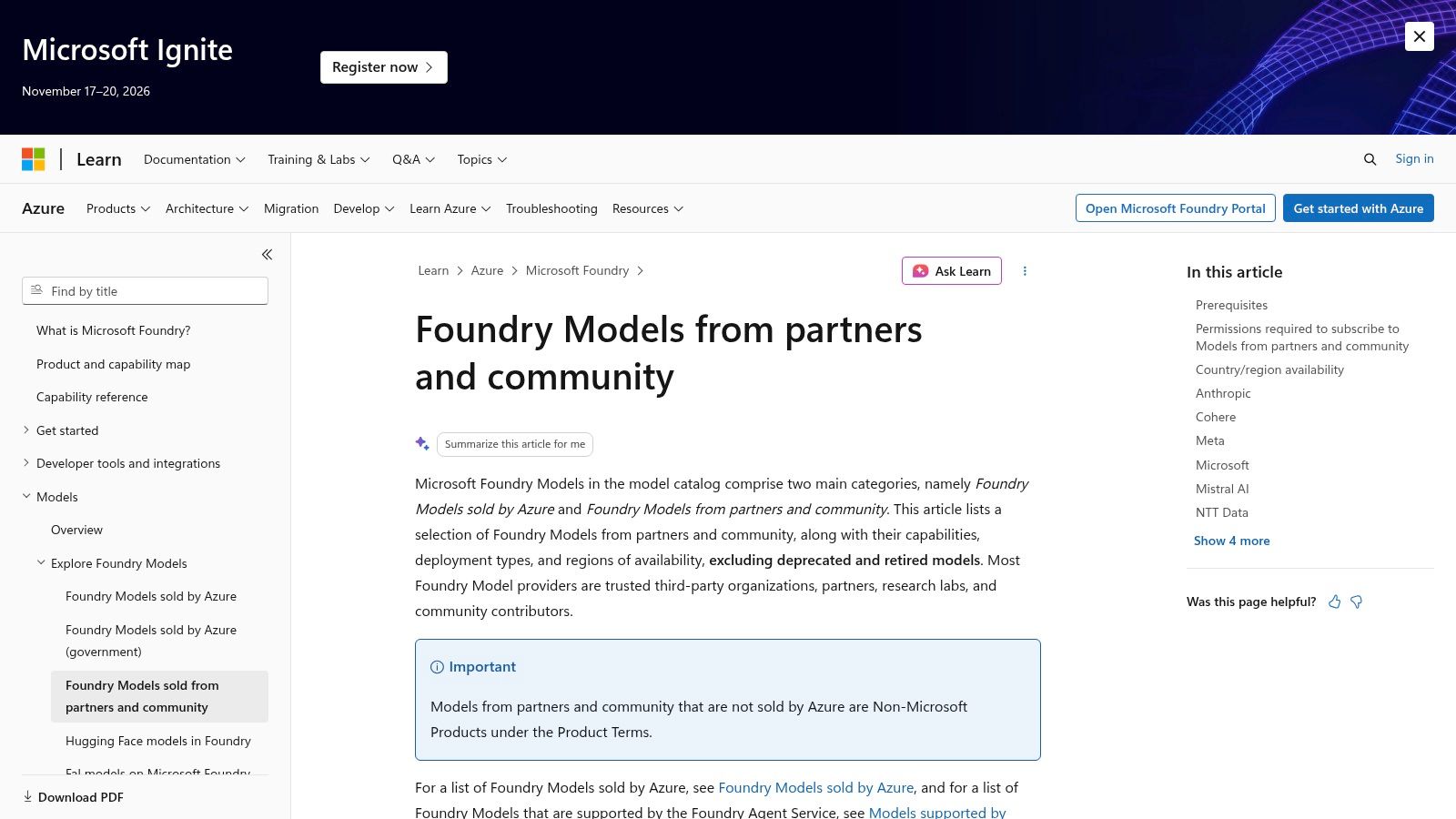
For an Azure-based application, deployment eligibility can matter as much as model capability. A promising candidate isn't useful if its available deployment method doesn't fit your architecture or operating region.
Microsoft Foundry Models connects model discovery with Microsoft's cloud environment. The catalog includes Microsoft, partner, and community offerings, with information relevant to tasks, capabilities, licensing, and deployment choices.
Choose the deployment path alongside the model
Eligible models can have different API-based, batch, provisioned, or managed-compute options. Don't assume that finding a model in the catalog means every hosting and billing approach is available for it.
- Good fit: Teams that need model selection to align with Azure deployment decisions.
- Useful detail: Model-specific deployment information and selected benchmark results.
- Constraint: Availability, deployment methods, and pricing can differ by model and region.
A document-analysis team should investigate both the model's input support and the endpoint configuration it will deploy. Testing a demonstration endpoint isn't enough if production will use a materially different serving arrangement.
The catalog is therefore an architecture resource as well as a discovery tool. Use it when Azure integration is an actual requirement, not because a desired model happens to appear there.
For provider-neutral exploration, a cross-provider comparison tool is usually a cleaner starting point. Return to Foundry when you're ready to establish the practical cloud deployment path.
7. Amazon Bedrock model catalog
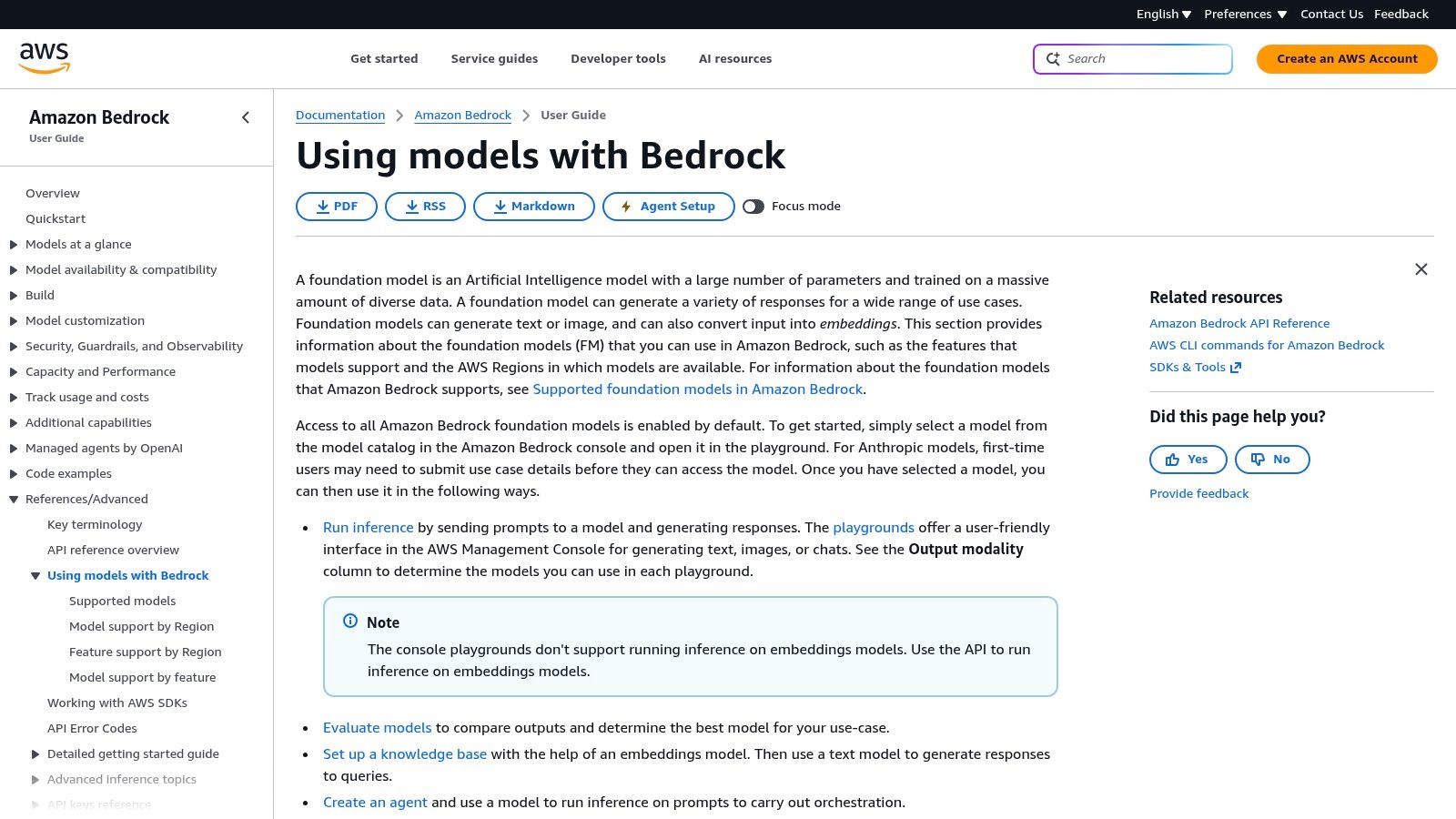
Check regional availability before building the prototype. That's the most useful habit when using the Amazon Bedrock model catalog for an AWS application.
The catalog identifies supported foundation models and their capabilities. Teams can inspect regional availability and test eligible models in the Bedrock console playground before integrating them into an AWS-based application.
Procurement and access are part of the choice
Bedrock is particularly relevant when the application already operates within AWS infrastructure. However, account setup and regional access can affect whether the model you want is usable in the intended environment.
- What works: Moving from supported-model discovery toward an AWS deployment.
- What to confirm: Account access, intended region, supported inputs, and invocation requirements.
- What it isn't: A neutral inventory of every downloadable or commercially available AI model.
For a support assistant, test the same retrieval passages and instructions you plan to send from production. Playground success establishes that a request can work; it doesn't establish that your retrieval pipeline, error handling, and output parser are correct.
Bedrock's strength is its connection to the AWS application stack. That same orientation is a limitation for teams that only want a broad survey of model options without committing to cloud-specific integration.
Keep a record of the exact model and access configuration used in evaluation. A recognizable model-family name isn't enough to reproduce a deployment decision.
8. Google Cloud Model Garden
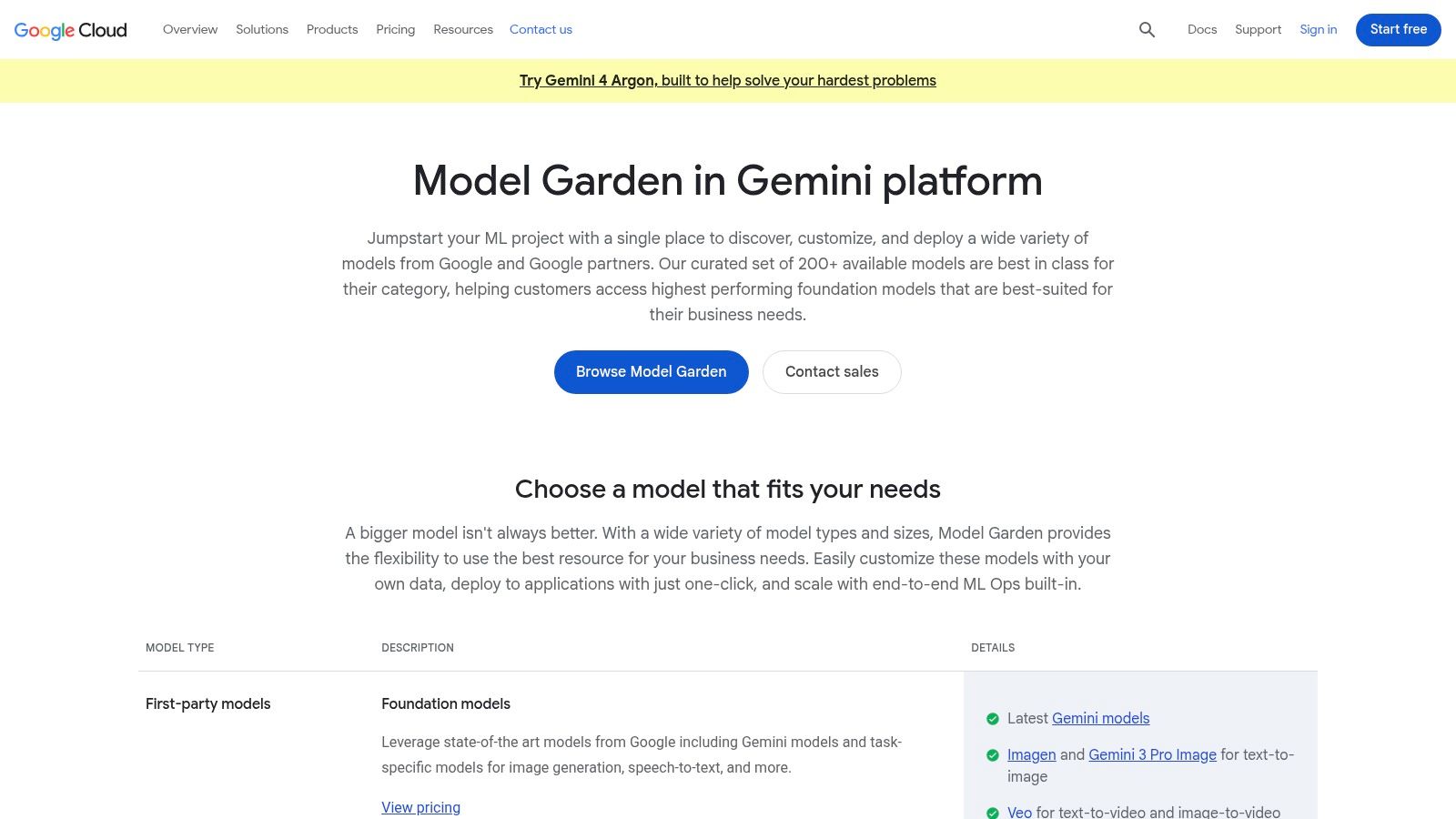
A team building on Google Cloud should evaluate the model and its serving arrangement together. Finding the right model family is only the beginning; the deployment configuration determines how it fits the application.
Google Cloud Model Garden provides discovery across Google, third-party, and open model offerings within Google Cloud's AI environment. It's most useful when the next step is cloud-based development rather than downloading a model for an unrelated local runtime.
Separate discovery from deployment assumptions
Inspect the individual offering before estimating cost or implementation effort. Availability and pricing depend on the model, region, and service configuration, so a catalog entry alone doesn't establish production suitability.
- Best use: Exploring models for a Google Cloud application.
- Advantage: Google and selected external offerings appear within the same cloud-oriented discovery workflow.
- Limitation: It's less convenient for a provider-neutral survey or offline experimentation.
For an image-analysis service, confirm the accepted input format and then test the exact preprocessing your application performs. Resizing, cropping, and document conversion belong in the evaluation, not just in the eventual deployment.
Don't confuse Model Garden with the narrower Gemini API model list. The former helps with broader cloud model discovery; the latter supplies first-party details for a specific API ecosystem.
Use Model Garden once your team knows that Google Cloud is part of the deployment plan. Otherwise, start with the model requirements and avoid letting an existing cloud console define the shortlist prematurely.
9. Ollama Library
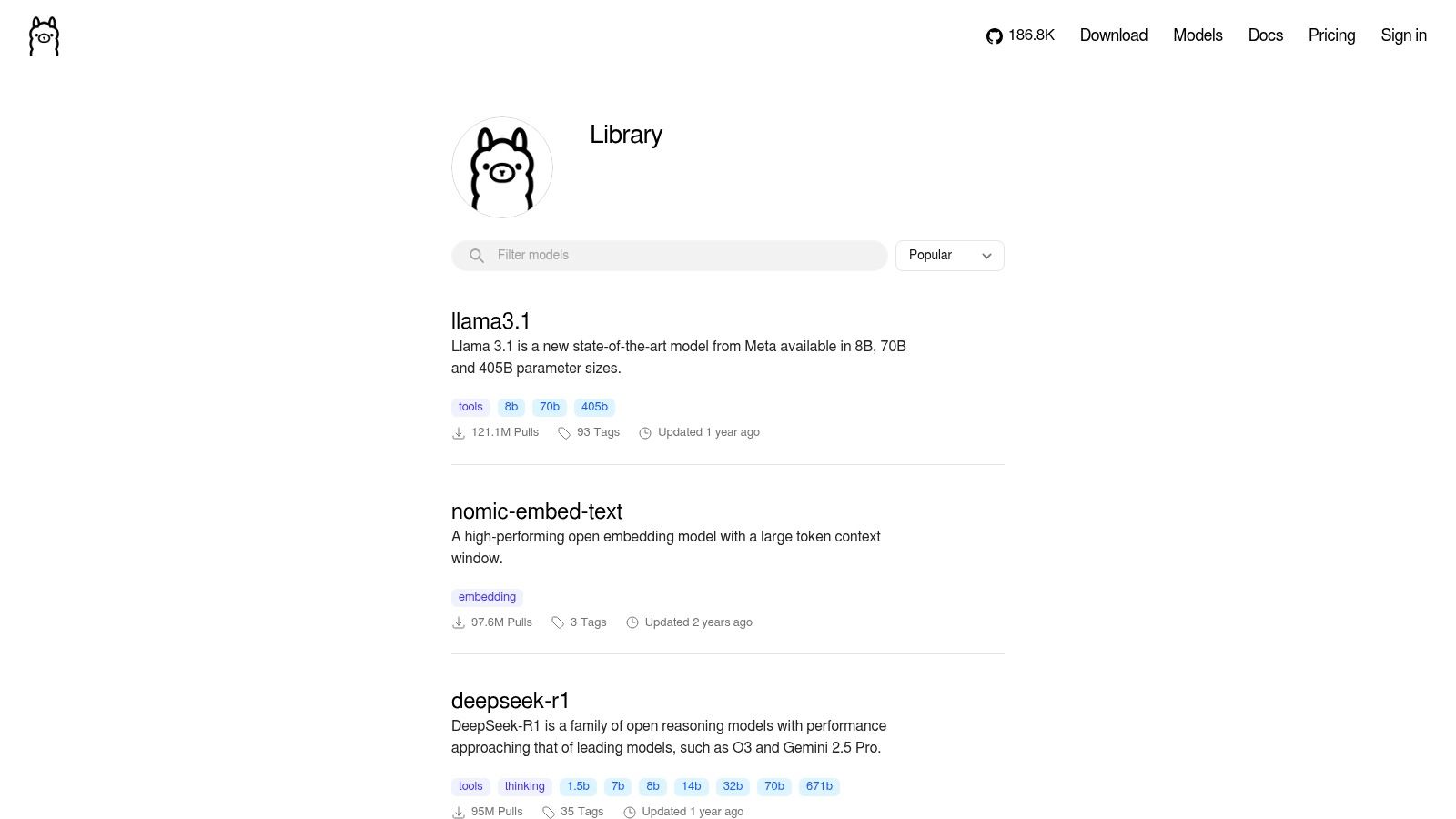
If the requirement is running a model on your own machine, start with a runtime-oriented catalog rather than a hosted API marketplace. The Ollama Library helps users find supported models, sizes, variants, and capabilities for Ollama's local workflow.
Model size is a useful initial filter, but it isn't a complete hardware estimate. Context usage, runtime overhead, and other applications competing for memory also affect whether the configuration runs comfortably.
Test the actual machine
Choose a candidate that fits your hardware, then exercise it with representative input lengths. A model that handles a short chat prompt may become impractical when you add retrieved documents or a long conversation.
Stanford's AI Index efficiency discussion reports that Phi-3-mini, with 3.8 billion parameters, reached the same stated MMLU threshold that previously required PaLM's 540 billion parameters. That comparison supports a practical lesson: parameter count alone isn't a quality ranking.
- Strength: Accessible experimentation with locally runnable models.
- Cost distinction: Local execution avoids hosted API usage charges, but hardware and operation still cost money.
- Limitation: Your machine and supported formats constrain the shortlist.
Local execution isn't automatically a complete offline system. Check whether retrieval, logging, tools, and other application components also stay local.
Ollama is a useful starting point for offline prototypes and hardware-constrained experiments. It doesn't eliminate the need to validate quality, memory use, or end-to-end latency.
10. Google Gemini API model list
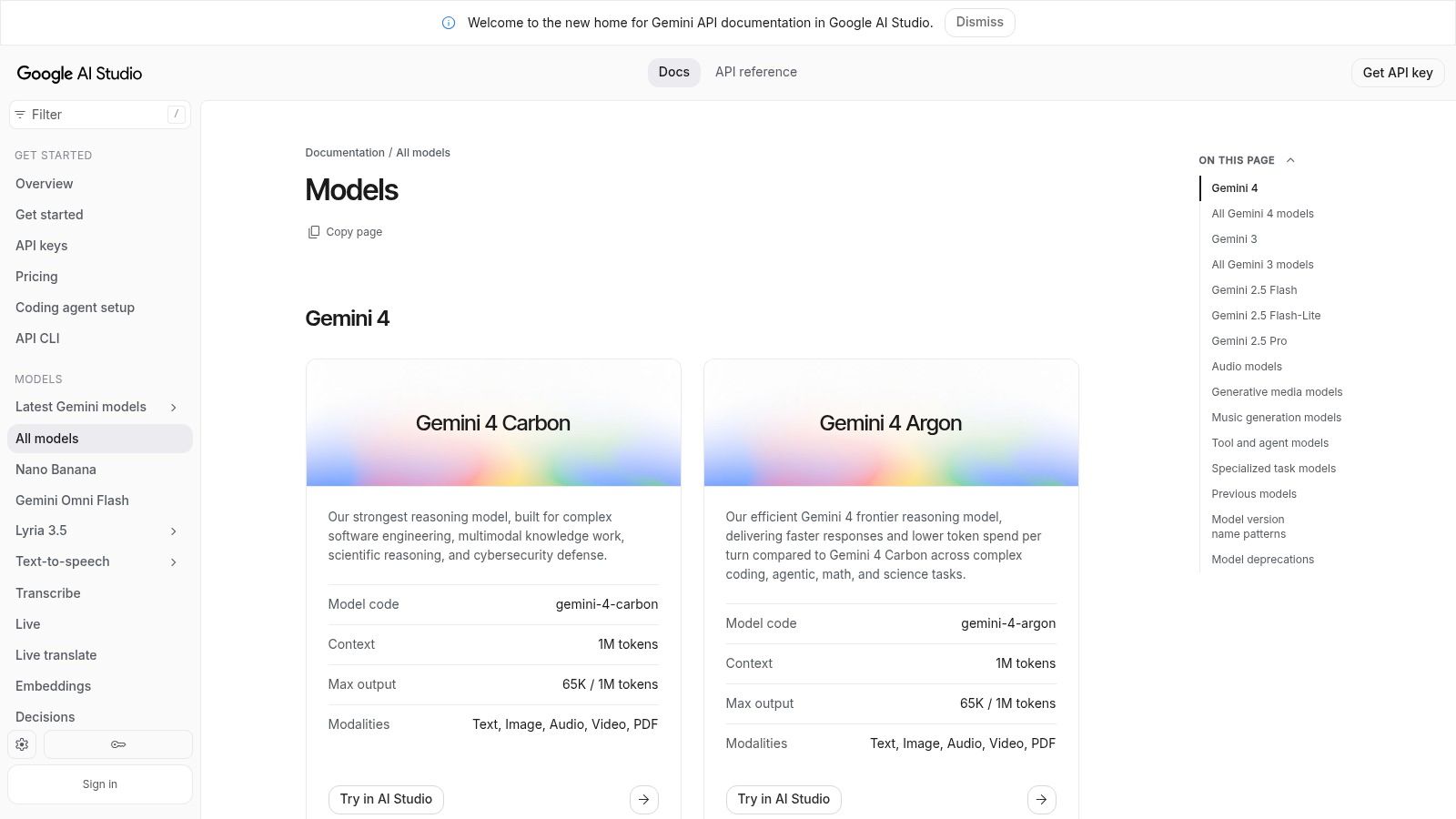
Sometimes the correct directory is the narrowest one. If you've already chosen the Gemini API, use the official Gemini API model list to confirm model identifiers, descriptions, and supported capabilities.
This is first-party implementation documentation, not a cross-provider comparison service. It connects model discovery with API documentation and Google AI Studio, making it useful when you need to turn a chosen model family into a working request.
Verify the exact identifier
Don't build against a model-family name copied from a comparison article. Confirm the specific identifier and inspect its supported inputs, outputs, and access conditions before integrating.
- Strength: Direct model information for developers using the Gemini API.
- Scope limit: It won't help you compare every competing provider.
- Commercial caveat: Check the selected model's current pricing, access tier, and eligibility conditions.
For an audio-related application, verify whether the particular model supports the required audio workflow rather than assuming that every Gemini model exposes identical functionality. Apply the same care to multimodal inputs and tool use.
Keep lifecycle checks in your maintenance process, too. The Veo and Gemini API shutdown guide is relevant when reviewing endpoint dependencies and migration work.
The official list is best used as an implementation reference after shortlisting. It provides the details needed to make a valid request, while your own evaluation determines whether the returned results meet the product's requirements.
How the 10 Model Catalogs Differ by Access, Pricing Visibility, and Limits
| Item | Best For | Access Model | Pricing Visibility | Main Limitation |
|---|---|---|---|---|
| UberLLM AI model catalog (Recommended) | Comparing models across providers | Unified API and marketplace | Live prices listed | Catalogs do not predict workload-specific performance |
| OpenRouter | Comparing and accessing models across providers | Hosted API with one key | Model pricing shown; verify current rates | Hosted API, not downloadable model weights |
| Hugging Face Hub | Research, customization, and self-hosting | Model downloads; hosting varies | Pricing not consistently listed | Model quality and documentation vary |
| Artificial Analysis | Comparing benchmarks, cost, and speed | Research and comparison resource; data API | API pricing shown; some access may be paid | Benchmarks may not reflect your workload |
| Replicate Explore | Testing and running hosted generative models | Hosted model APIs and custom deployments | Model-specific pricing; may vary by usage | Community model quality and support vary |
| Microsoft Foundry Models | Selecting models for Azure applications | Azure deployment options | Varies by model and region | Best suited to Azure users |
| Amazon Bedrock model catalog | Finding models for AWS applications | Bedrock services within AWS | Varies by model and region | AWS- and region-dependent access |
| Google Cloud Model Garden | Finding models for Google Cloud deployment | Google Cloud AI services | Varies by model and configuration | Oriented around Google Cloud |
| Ollama Library | Running models locally | Local inference with Ollama | No hosted price; uses your hardware | Requires setup and suitable hardware |
| Google Gemini API model list | Building with Google models | Gemini API and Google AI Studio | Separate pricing page; tiers vary | Covers Google models only |
Turning a Shortlist Into a Working Integration
Stop browsing once you have two or three plausible models per modality. More candidates don't help if your team hasn't defined what an acceptable result looks like. Write down the required context length, output limits, tool support, input formats, and deployment constraints before running comparisons.
Then send the same prompts or generation tasks through each candidate. For text extraction, validate the returned schema and compare extracted values against expected answers. For coding, run tests against the generated changes; for media, review outputs against a consistent brief rather than choosing whichever sample looks most impressive.
Evaluate the complete application path
Include the work surrounding inference. Document conversion, retrieval, tool execution, polling, retries, and output validation can all determine whether an otherwise capable model is usable.
- Quality: Record accepted results, not merely completed requests.
- Latency: Measure both initial response and end-to-end completion where relevant.
- Cost: Include retries, rejected generations, and necessary follow-up calls.
- Reliability: Exercise timeouts, malformed outputs, and unavailable endpoints.
The Brookings discussion of AI model evaluation explains why benchmark scores can omit practical concerns such as latency, compute requirements, cost, and safety. Your evaluation should make those concerns explicit instead of treating a public leaderboard as a production acceptance test.
For teams that want one endpoint across text, image, video, and audio workflows, start the UberLLM integration by setting the base URL in your existing OpenAI or Anthropic SDK configuration to the compatible API endpoint. Use an UberLLM key and retain the existing SDK interface and surrounding code, then switch candidates by changing the model identifier. Validate each candidate's supported parameters, and use the appropriate asynchronous task workflow for media rather than assuming every modality behaves like a streaming chat response.
Keep the decision reproducible
Store the model identifier, prompt version, generation settings, evaluation inputs, and acceptance results together. That record lets another engineer repeat the test and makes later model changes easier to assess. Avoid relying on an unversioned screenshot or a remembered impression of output quality.
Choose a default model and define when the application should escalate or fail safely. A fallback is only useful if it meets the same essential requirements, including privacy constraints and tool support. The best list of AI models is the one that helps you reach a defensible integration decision, then gives way to repeatable tests.
UberLLM connects developers to third-party text, image, video, music, and speech models through a unified API and prepaid balance. Visit UberLLM to compare model limits and live prices, test your shortlist in the playground, and integrate the candidates that meet your application's requirements.